
Built for BNI Tampa Bay Chapters
Your weekly meeting, built autoMAGICALLY.
My Slides, My Roster and role-specific QR Check-In tools are prepared from the same Chapter information—beautifully consistent and ready when the room opens.
Private Chapter information is shown only after sign-in.
The work disappears
Everything your meeting needs. None of the weekly rebuild.
The system brings the dependable facts together, then gives Chapter Officers one calm place to finish the details only people can know.
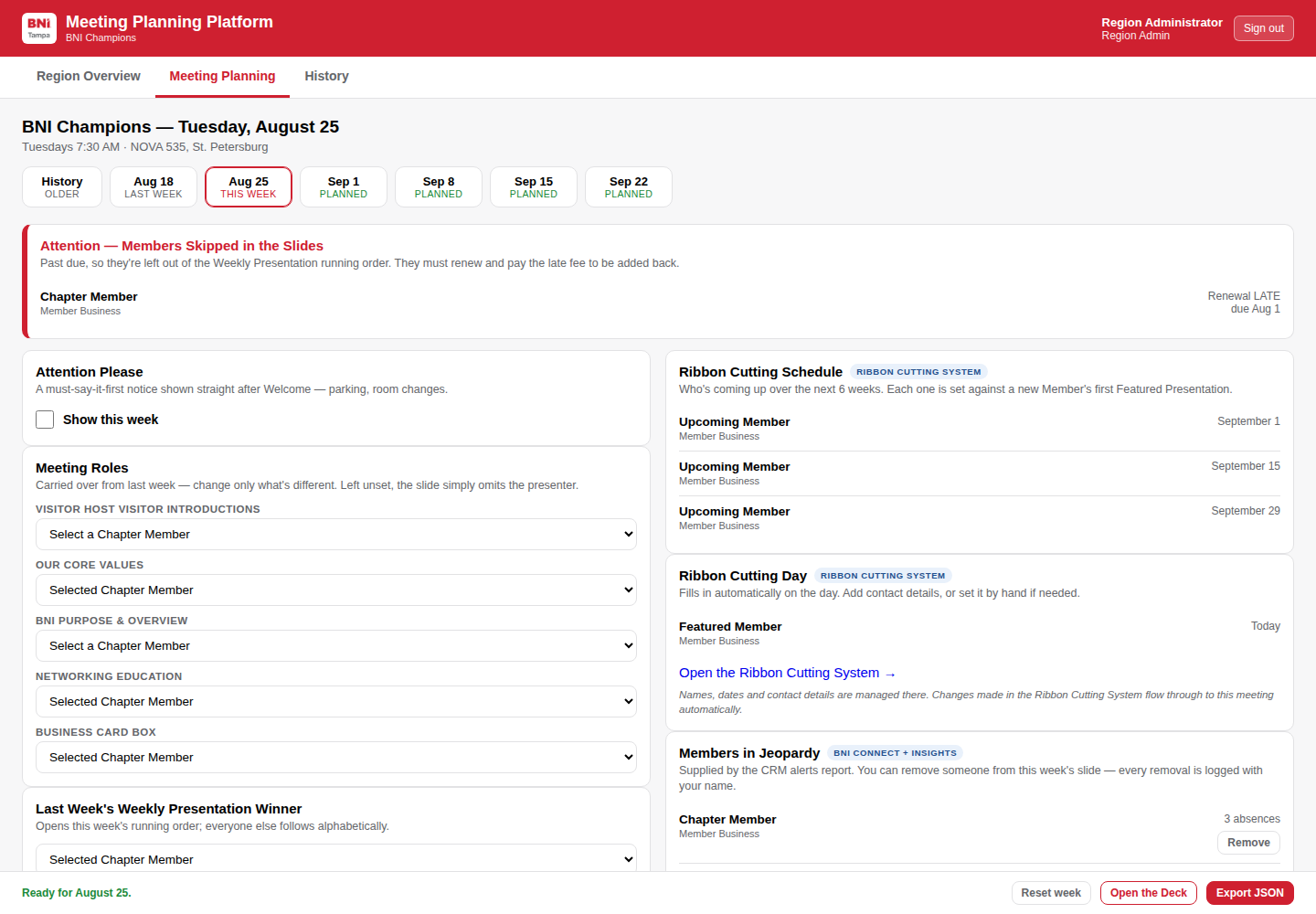
A private workspace for your Chapter’s Top 3
Open “My Meeting” from the Member Portal and land directly in your Chapter.
- See what is already complete
- Fill only the week-specific roles and notices
- Review automatic Member and event updates
- Open the presentation when the room is ready
Made for the big screen
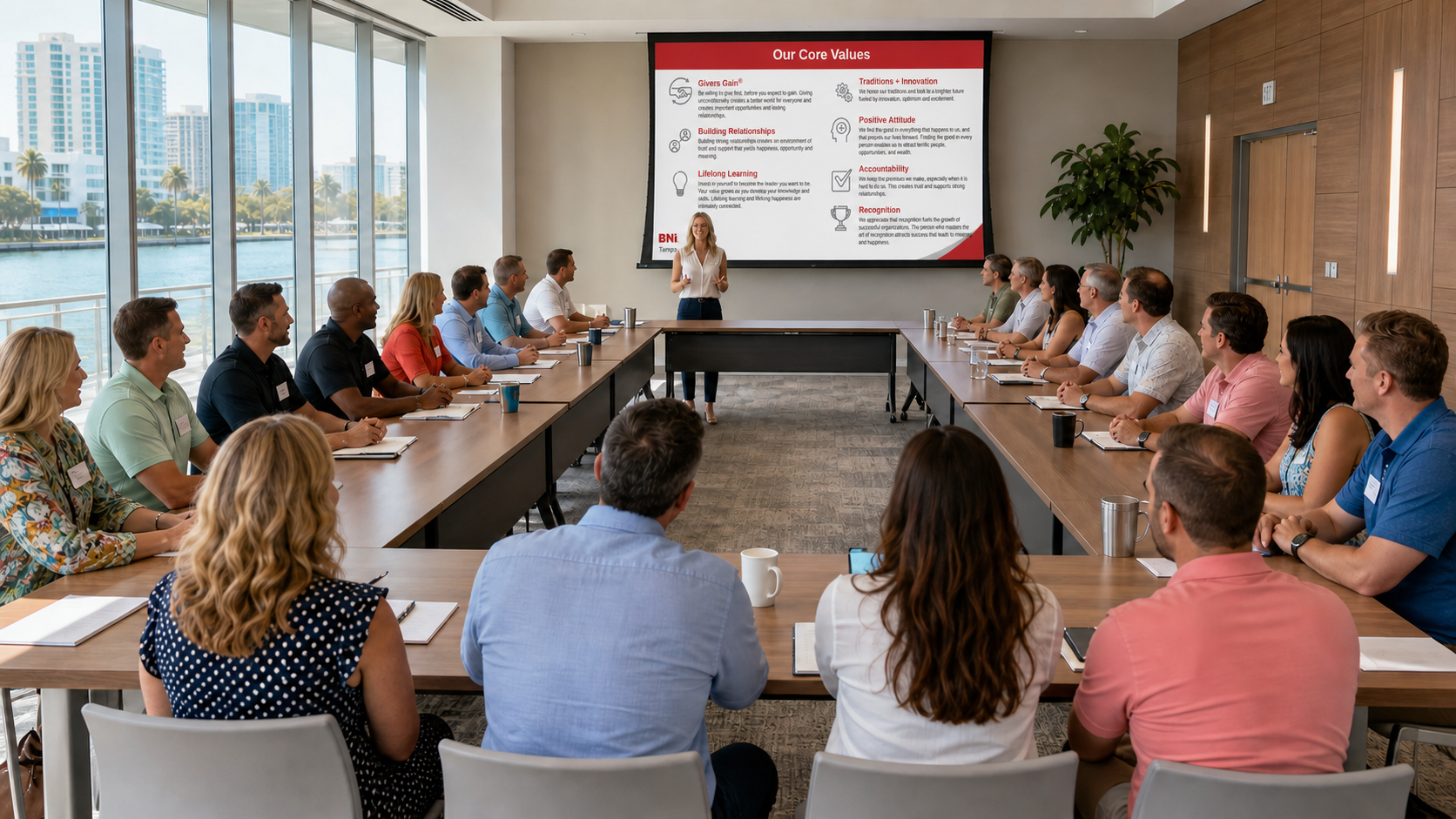
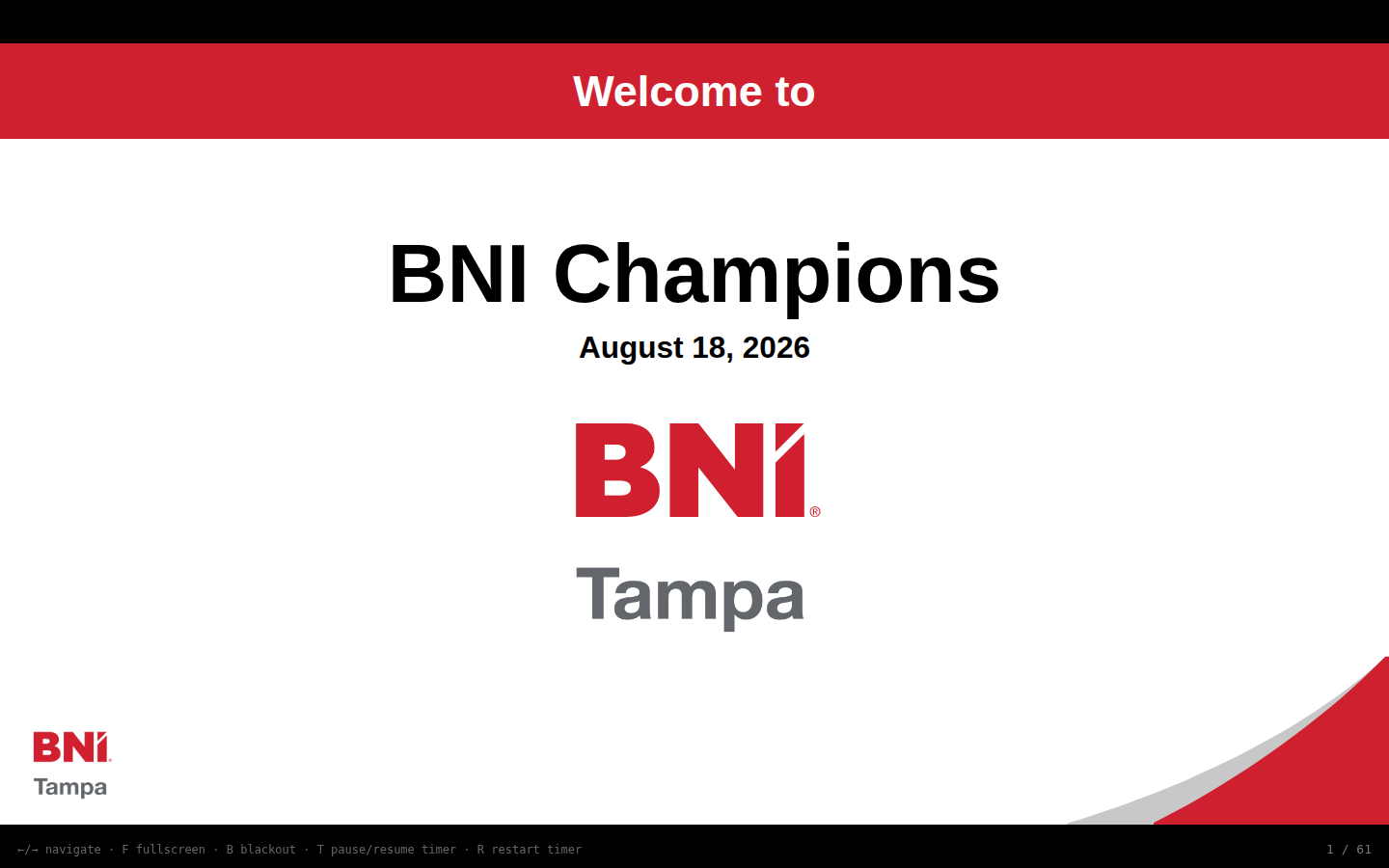
Polished slides that run the whole meeting
Every approved layout stays consistent. The deck updates from the same meeting plan, responds to live check-ins, and keeps the presenter focused on the room.
- BNI-branded, projector-ready layouts
- Automatic weekly and Chapter information
- Live Visitor moments from QR Check-in
- No PowerPoint or Google Slides file to pass around
From systems to screen
Three simple moments. One better meeting.
It gathers
Chapter, Member, recognition, mentoring, event and live check-in details arrive from the systems already doing the work.
You add the human part
The Top 3 confirms this week’s roles, special attention and presentation choices in a Chapter-only workspace.
The room gets the magic
Open the deck and present. Updates appear in the right approved layouts, in the right order, every week.
BNI CRMBNI InsightsQR Check-inMentor PlatformRibbon CuttingsMost WantedMy Reports
Less slide work. More Chapter energy.
Walk in ready to lead the meeting—not ready to fix the meeting.
The technology stays in the background. What your Members see is a meeting that feels prepared, personal and unmistakably theirs.
Your Chapter’s next meeting is waiting.
Chapter Officers can open their private workspace from the Member Portal or sign in here with a secure link.
Open My Meeting